
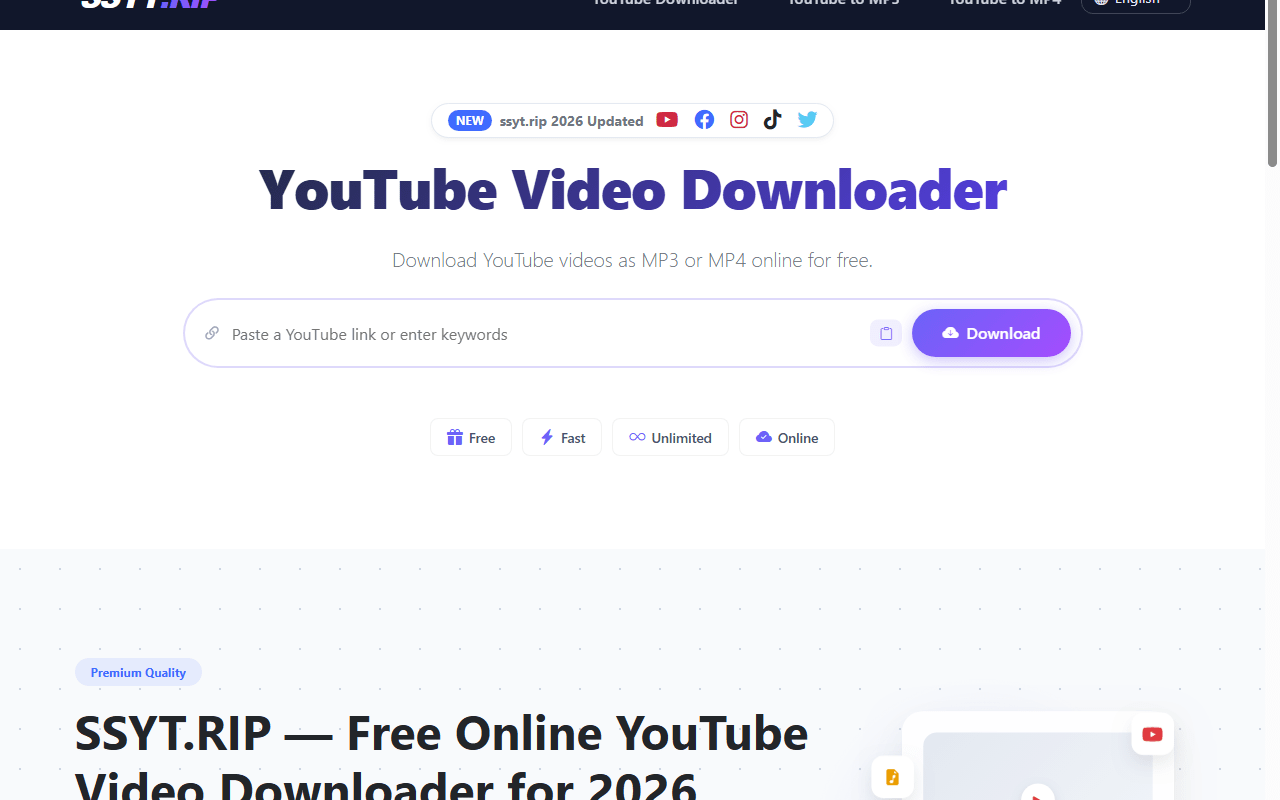
There are a two ways to download videos from YouTube, the first way is using one of many websites, and the second way is using third-party software, in this tutorial you will learn how to download videos using both methods.
Using websites (Without software):
All you have to do is to copy the video link of any video you want to download from YouTube (and make sure it’s a video link and not a playlist link).
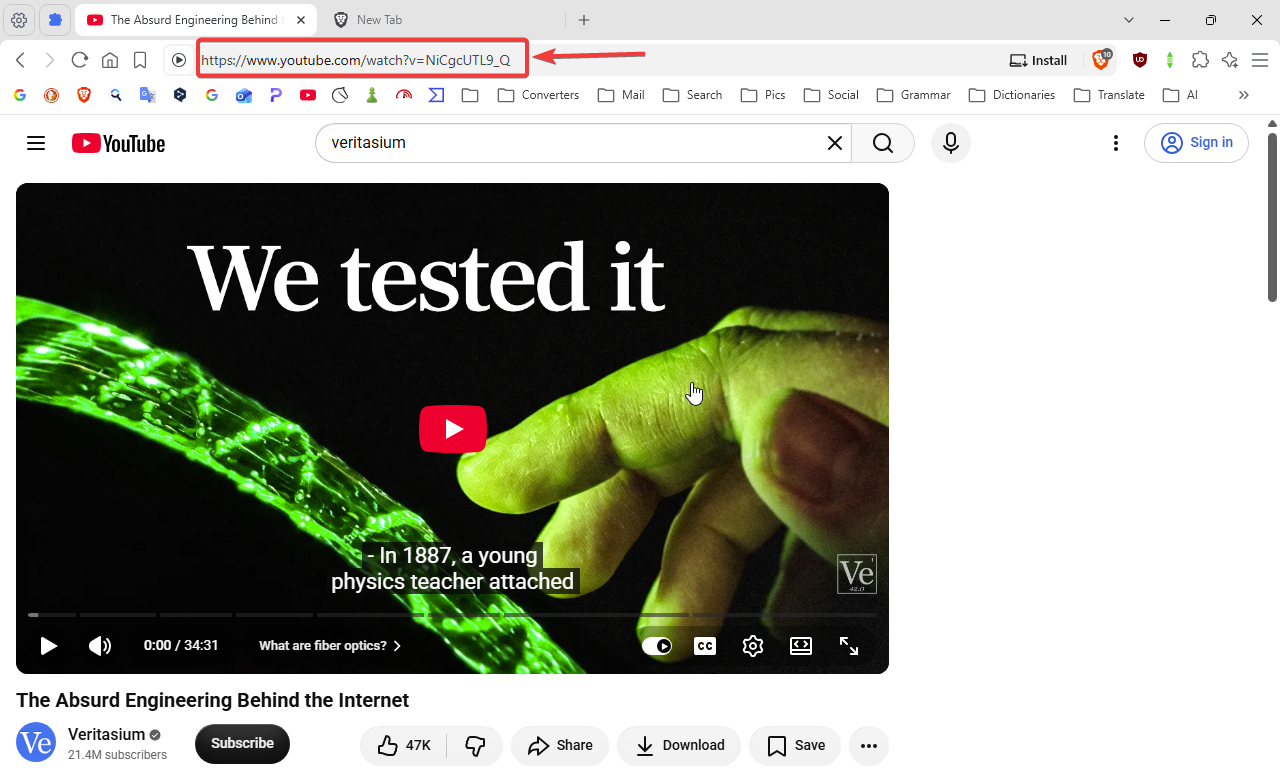
Then paste the video link in one of the following websites in the specified box, then click download.
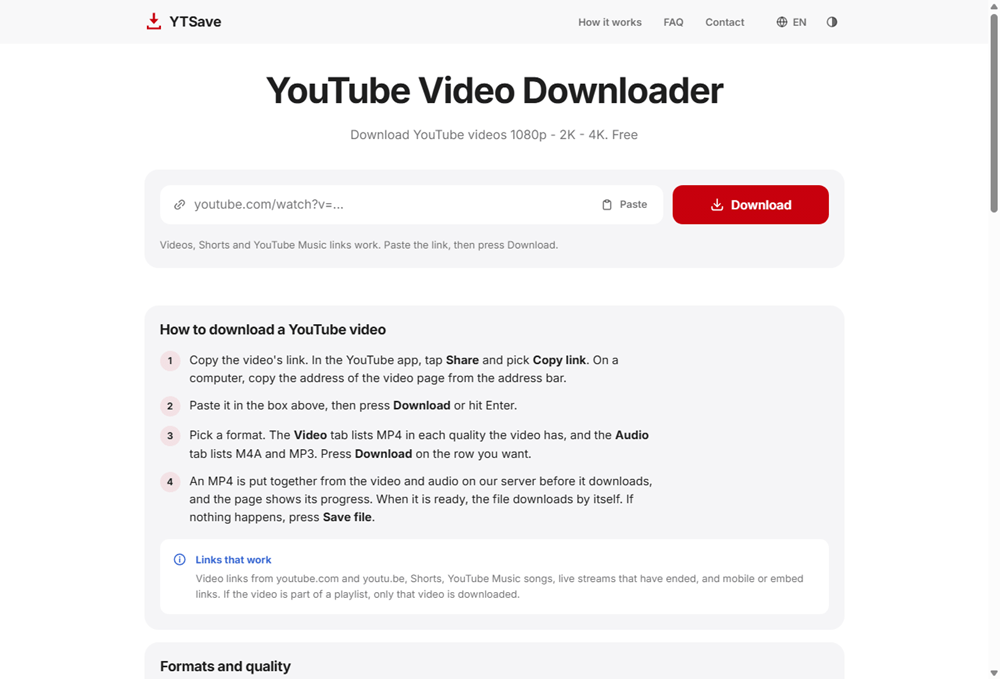
Using this website you can download videos up to 4k, you can download just the audio of the video without conversion, or you can download only the audio of the video after conversion to mp3 format.
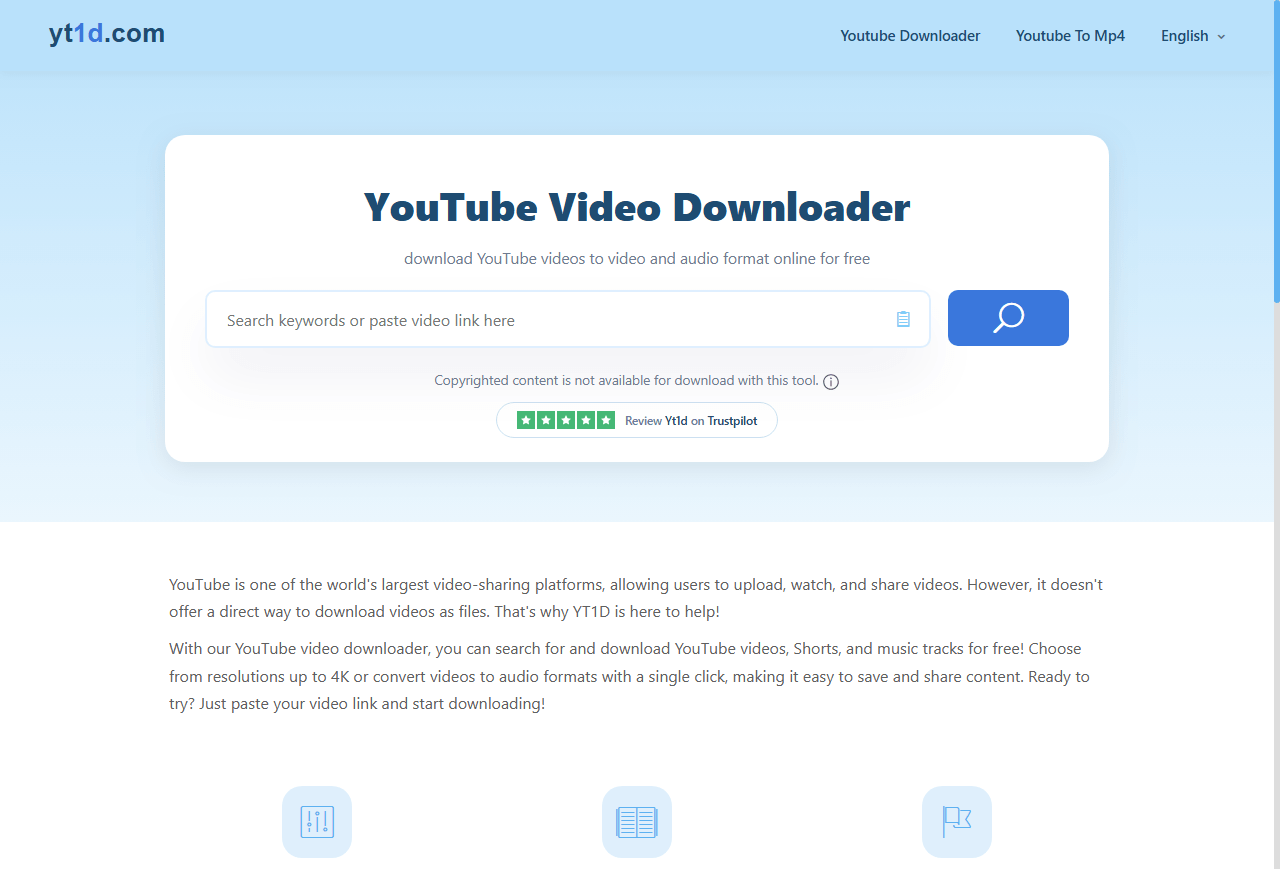
Using this website you can download videos up to 8k, and you can also download the audio without the video.
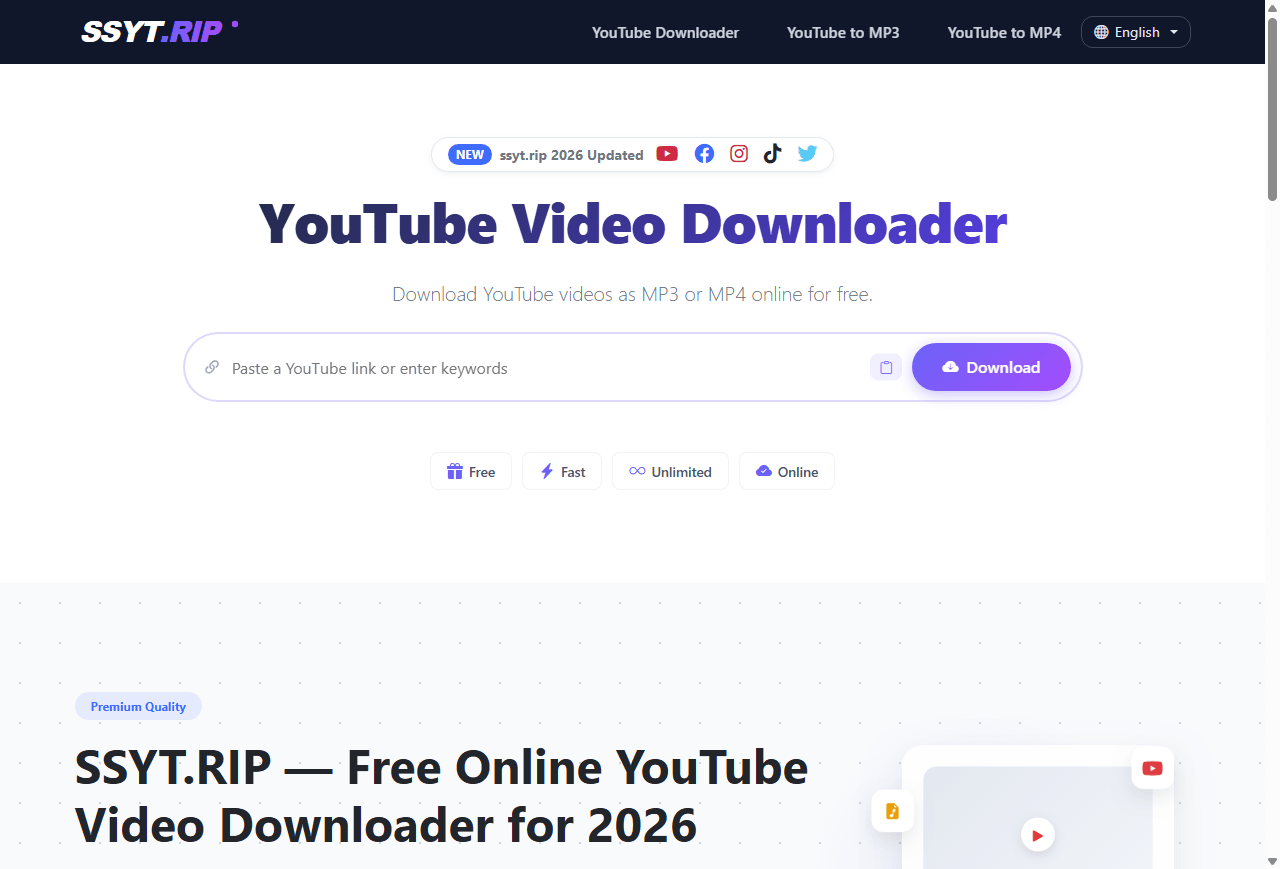
Using this website you can download videos up to 8k, and you can also download the audio without the video, or download the video without the audio.
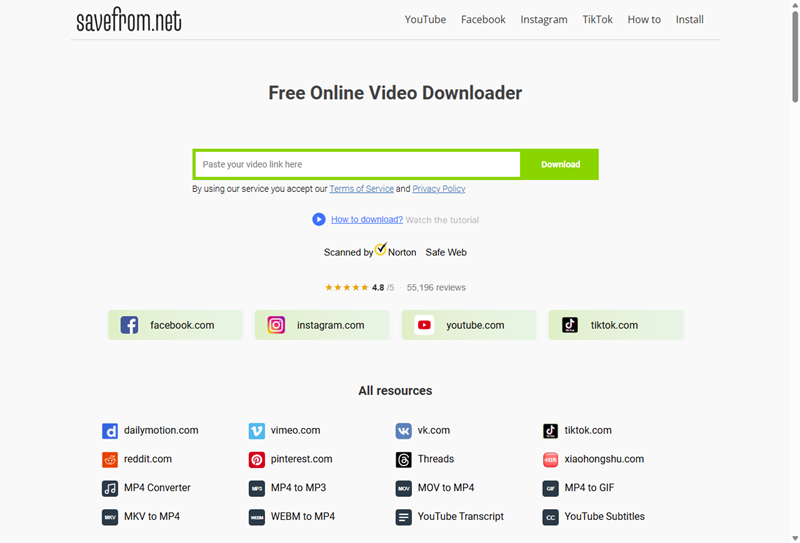
This website can allow you to download videos for free up to 720p only, and the downloads can be slow sometimes, but on the bright side this website has been around for a very long time, and can also download videos from Facebook, Instagram, and TikTok.
Download YouTube videos using Open Video Downloader:
First download Open Video Downloader from this link:
https://github.com/jely2002/youtube-dl-gui/releases
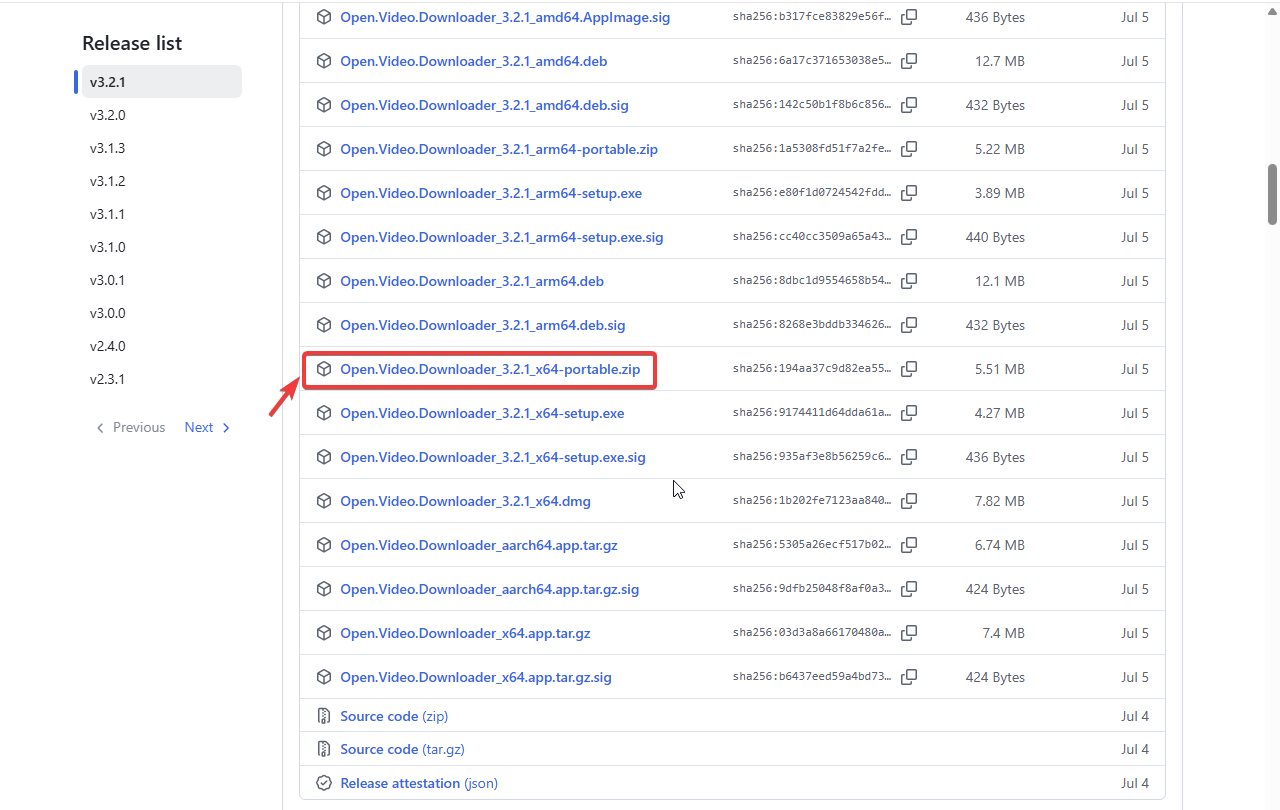
Click on show all 28 assets, then click on the suitable version for your operating system to download it, for Windows you can download the portable version of the program if you prefer not to install the program and would like to keep it portable which means you can put it on a USB drive and use it on any computer.
Then copy the link of the YouTube video you want to download as shown at the top, Start Open Video Downloader, then past the video link in the specified box after the program downloads the necessary updates, then click on Add, then select the quality, then click on Download, and wait for the video to finish downloading.
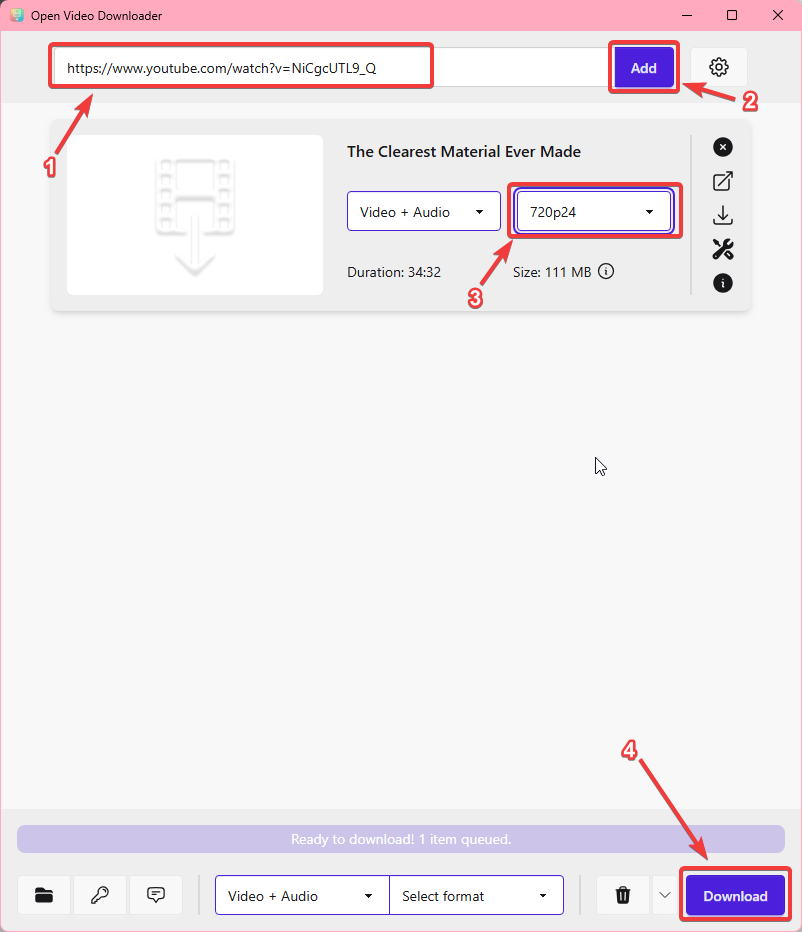
You can also tweak the settings of Open Video Downloader as you wish by clicking on the gear icon, and that’s it.