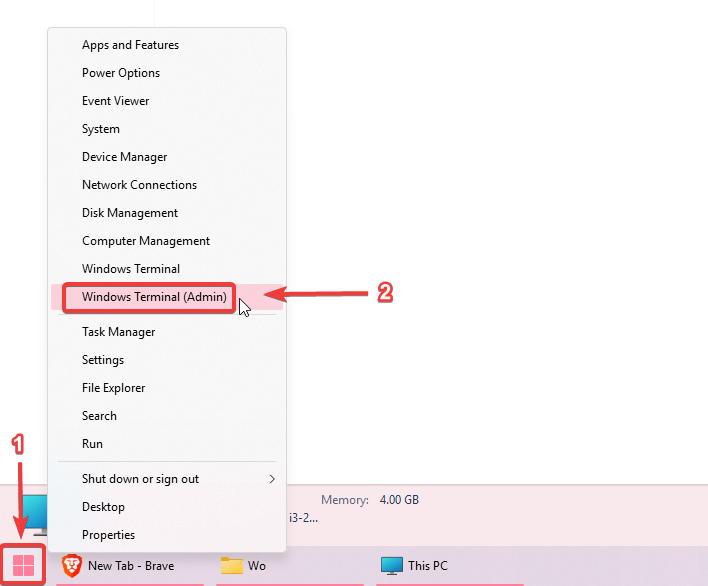
If you are curious when you last installed Windows, you can find out Windows installation date by right-clicking on the start menu button, then click on Windows Terminal (Admin), Command Prompt (Admin) or PowerShell (Admin) depending on which one you see.
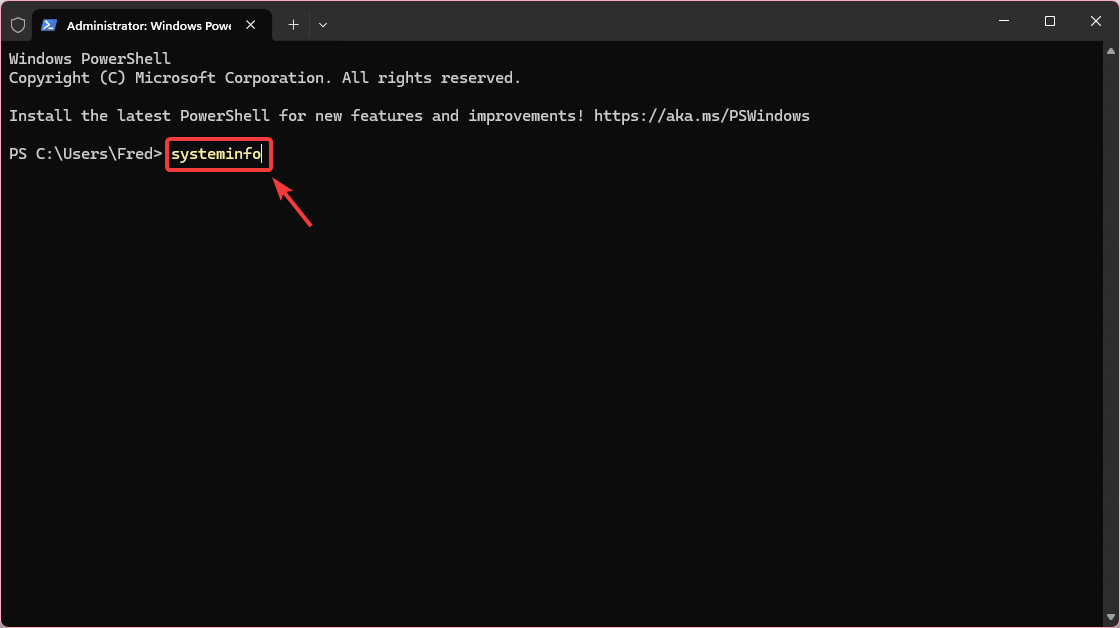
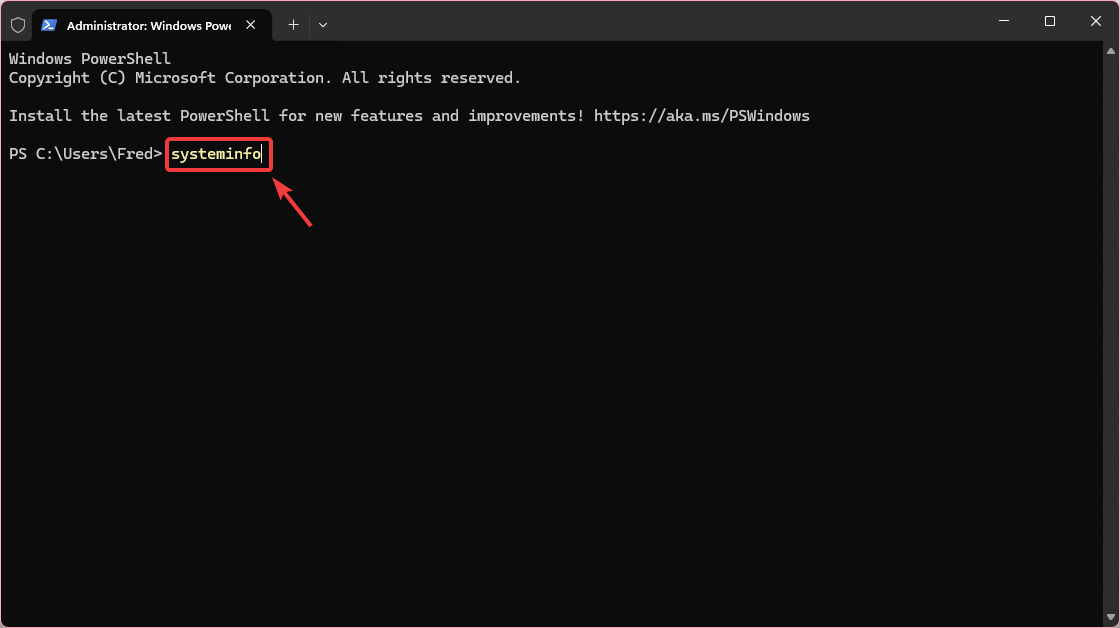
Then type systeminfo and press Enter on your keyboard.
Then scroll up until you find Original Install Date , you will find the installation date and time right next to it.
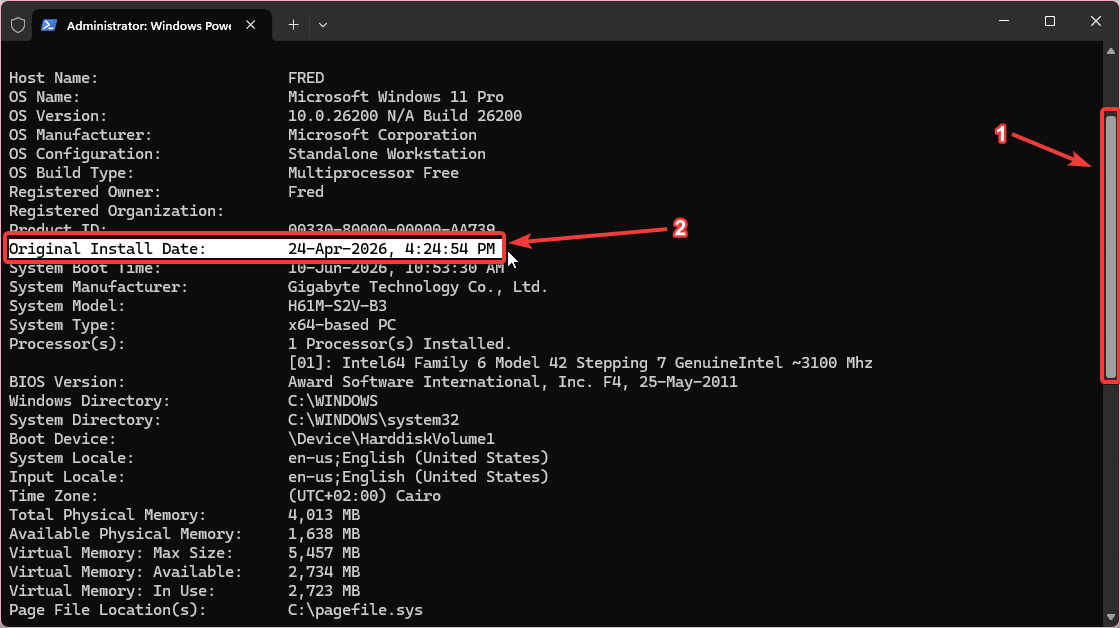
that’s it, you have found out when you last installed Windows.